
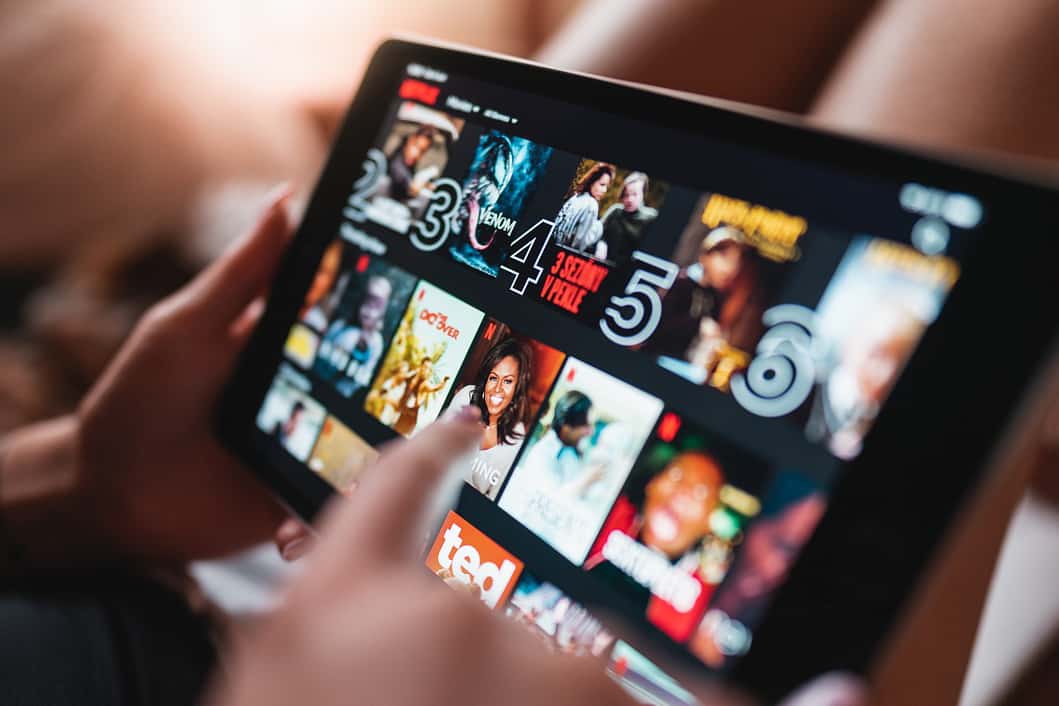
With the cost of living crisis beginning to bite many households are cutting back on unnecessary expenditure. As a result, they are cancelling streaming services such as Netflix, Prime video, F1TV are often some of the first things to be cut.
Some are even turning to illegal streaming sites in order to continue to watch their favourite programmes and sports, while others are make do without.
What if I told you that you could slash the costs of your favourite streaming services by more than 70% while still enjoying the same service? Curious?
In this article, we’ll show you how to use a VPN to save money on your favourite streaming services. But first, let’s explain what a VPN is and how it works.
What is a VPN?
A VPN (short for Virtual Private Network) is a service that helps protect your online privacy by creating a secure, encrypted connection between your device and the internet.
When you connect to the internet using a VPN, all of your online activity is routed through servers operated by your VPN provider. Good VPN providers will often have multiple servers in the UK and around the world.
When you connect to one of these servers all of your traffic is routed through it, effectively masking your IP address, and making it look to the outside world that you are physically accessing the internet from somewhere else. As such it can help you access content that may be restricted in your region.
For example, if you’re traveling abroad and want to access a BBC iPlayer which is only available in the UK, you can use a VPN and connect to a UK to make it appear as though you’re browsing from UK.
Don’t worry if it sounds a little complicated. All of the most popular VPN providers have apps for mobile, PCs, and Macs, allowing you to connect to the VPN with a single click.
How to use a VPN get cheap streaming
Global brands such as Amazon, Netflix, Tidal, YouTube etc. know that the cost of living varies wildly around the world. If they want to their services to be adopted, they need to adapt their prices to suit the local market.
Netflix might get away with charging £10 a month in the UK where the median salary is £33,280, but if they want to grow in India where the median salary is less than £4,000 GBP equivalent, they can’t charge the same price.
This is known as price discrimination. You’ll have seen it in the UK too, where students and pensioners often benefit from special deals.
As this price discrimination is based on geography rather than age, we can get around it by using a VPN, so subscribe to the streaming service of your choosing in the cheapest country.
Using this technique, you can massively slash the cost of most if not all of your streaming services while enjoying the exact same content.
Which VPN is best for streaming?
The VPN service you use isn’t that important save for the fact that you want a service with servers faster enough for stream, so that rules out many free VPNs, and one that has multiple servers in the countries you want to connect to. Having multiple servers is important as the IP address of some servers may be blocked by the streaming service you want to use, so being able to switch to another server could be the difference between being able to sign up to your preferred service or not.
Some of the most popular, and reliable are VPNs are NordVPN, ExpressVPN, Proton VPN, and AirVPN. Always trail a service before signing up long term.
How to get Netflix for less than £3 a month
This Netflix hack works if you already have a Netflix account and plan to cancel your subscription or have recently cancelled your subscription.
Set your VPN to Turkey, open a new private browser window, and visit the Netflix website. Log in and reactivate your account.
You will be asked for payment; this is where you need to enter a Turkish Netflix gift card. Turkish gift cards can be bought from Turgame. We recommend testing the waters with a 100TL gift card at first. Then if all is well, you can buy larger amounts to load up your Netflix account.
Once your gift card credit runs out, after a month or two, depending on how much you’re purchased. Netflix will take subsequent payments via the credit/debit card you originally had on file with Netflix before you cancelled.
This method also works for new accounts too, but since you won’t have previously had a credit card on file, you’ll have you continually buy gift cards to fund your account.
How to get YouTube Premium for free
YouTube Premium costs a staggering £11.99 a month in the UK. Sure, everyone hates ads, but what the hell are thinking charging that much for a service which doesn’t have nearly as much inhouse professional content as Netflix or Disney+.
Fortunately, by using a VPN you can slash the price of YouTube Premium to just £1.5 a month. Ok, so not quite free, but at £1.5 a month compared to £11.99 it will certainly feel like it.
The steps to get cheap YouTube Premium
Sign into your VPN and connect to a server in Argentina
Use ipleak to check that your VPN is working correctly
Open a new private browser window and sign into YouTube, you should “AR” next to the YouTube logo if everything is working correctly.
Go to your YouTube account settings, and select ‘Paid Membership.’
Activate the subscription. You will be given the choice of either a monthly or a quarterly subscription. It doesn’t matter which one you select.
The subscription needs to be paid for by credit or debit card, but there are two things you need to be aware of.
Firstly, your card will be charged in Argentinian Pesos, to make sure you use a card that offers free foreign spending.
Secondly, as of 2023, VISA cards seem to have stopped working, so you’ll need to use a Mastercard. Fortunately, most of the best cards to use for foreign spending are Mastercard anyway.
One last thing. Be sure to set your billing address to one in Argentina. Any will do, just look up a hotel in Buenos Aires, or open Google Maps and pick an address.
Once you’ve completed all the steps and successfully subscribed you can use YouTube as you would normally. There’s no need to be connected to the VPN, and you’ll still benefit from an ad free experience and access to all YouTube Premium content and shows.
It is rumoured that Mastercard may also stop working soon, so better sign up sooner rather than later. This isn’t due to Google closing the loophole, but due to reforms by the Argentinian Government to allow tourists access to the ‘Blue Dollar rate’ when paying for goods and services in Argentina using a foreign card.
What about elsewhere?
Outside of Argentina, India, Turkey and Brazil are cheapest options. Philippines is more expensive at roughly £2.40 a month but doesn’t have the same payment problems that can sometimes be experienced trying to sign up in other countries.
Get F1 TV Pro for less than £40 a year
If you’re a big F1 fan you’ll know that the only way to watch live F1 action is via Sky. Either with a Subscription to Sky Sports F1, or via Now TV.
Sky Sports F1 is an £18 a month in add on to a Sky subscription that is already £26 a month. That’s a combined £528 a year just to watch F1.
Crazy considering Formula 1 itself streams all F1 sessions live for just €79.99 in some neighbouring EU countries, but you can get it even cheaper still.
By using a VPN, we’ve found that you can get F1 TV Pro for less than £40 a year. Giving you full access to all sessions live, and full replays, so you don’t have to get up at 6 in the morning to watch the Australian GP. That’s a saving of over £480 a year. Rather than go into the details here, we wrote a whole article on how to watch F1 TV Pro in the UK.
Use Plutus and get three steaming services for free
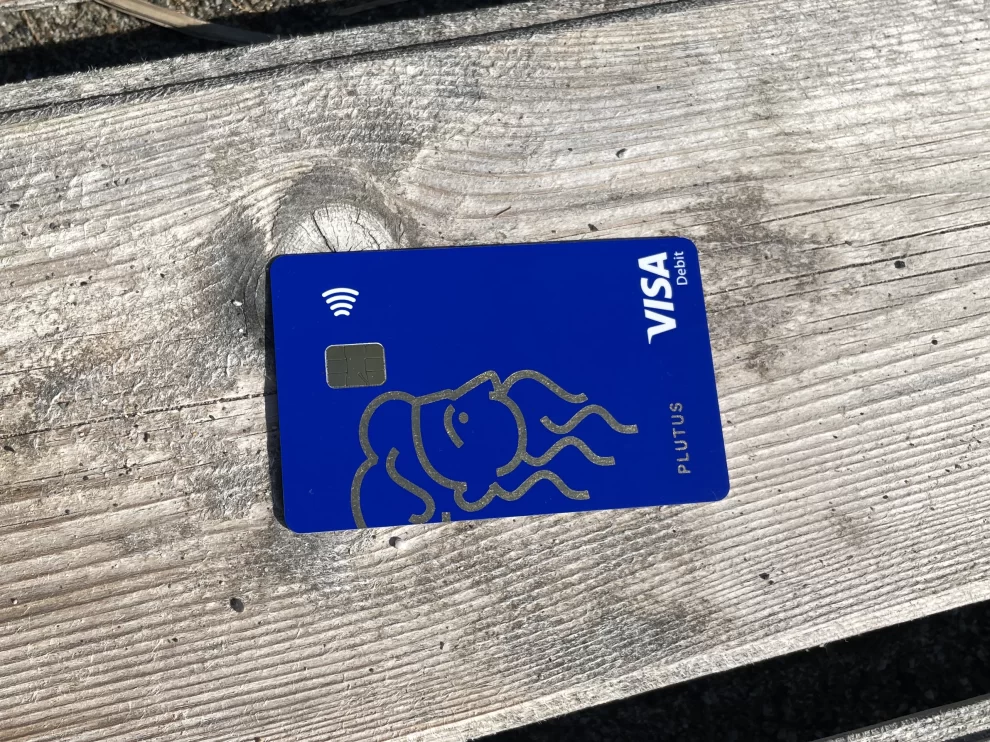
It is possible to get AppleTV, Disney+, Netflix, Spotify, or Prime video for free using Plutus.
Plutus is a pre-paid visa debit card, that you can top up and use for spending just like you would any credit or debit card from your bank.
The difference is that Plutus pays you 3% cashback on your spending, and gives you up to 3 free perks. All of the most popular streaming services are available as a perk.
Plutus doesn’t pay for these perks directly. Instead, you need to pay for the perk e.g., Netflix using your Plutus card, then at the end of the month Plutus reimburses you the cost of the subscription.
The catch is, that both the reimbursement and the cashback, is paid in an obscure cryptocurrency called Pluton, that you can’t withdraw for 45 days. After which time you can exchange it for pounds and withdraw it to your account.
You will always be awarded up to £10 equivalent in Pluton, or 3% for the cashback, so even if the value of Pluton changes, you’ll still get the same GBP equivalent.
Want to know more? In our review of the Plutus card, we cover how it works, which perks are available, and how you can earn £17.50 a month free.